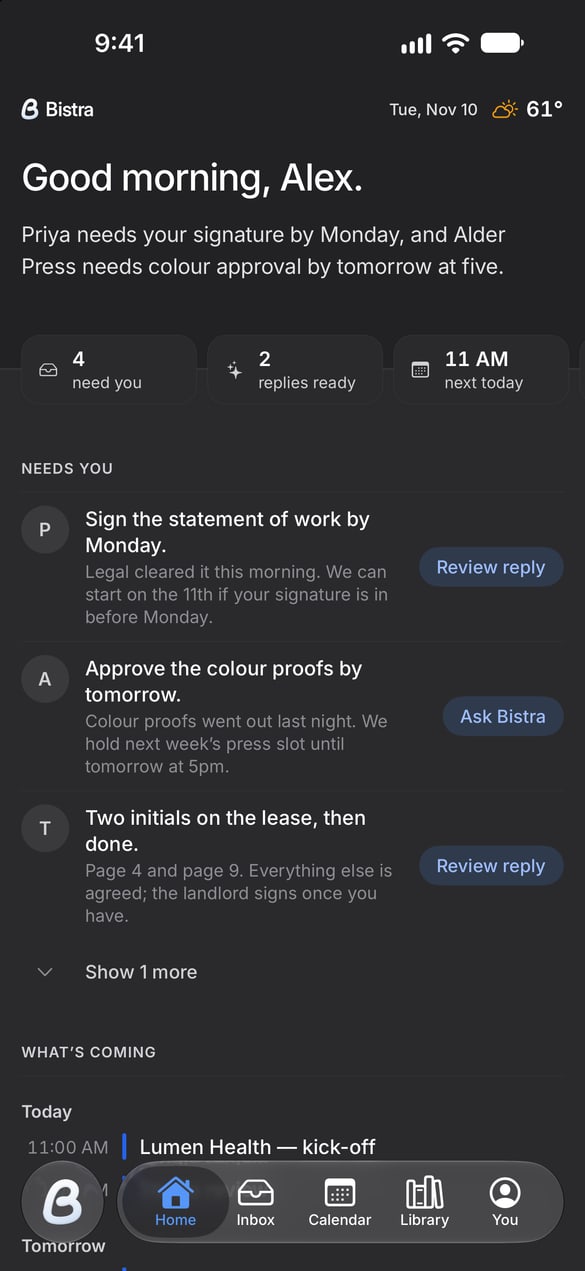
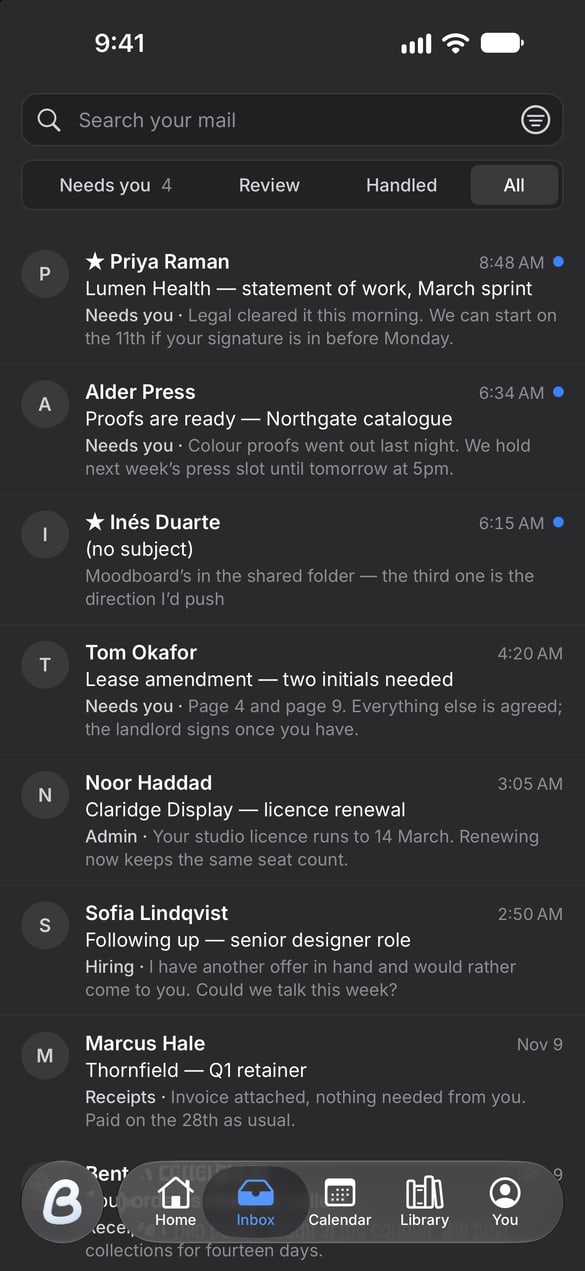
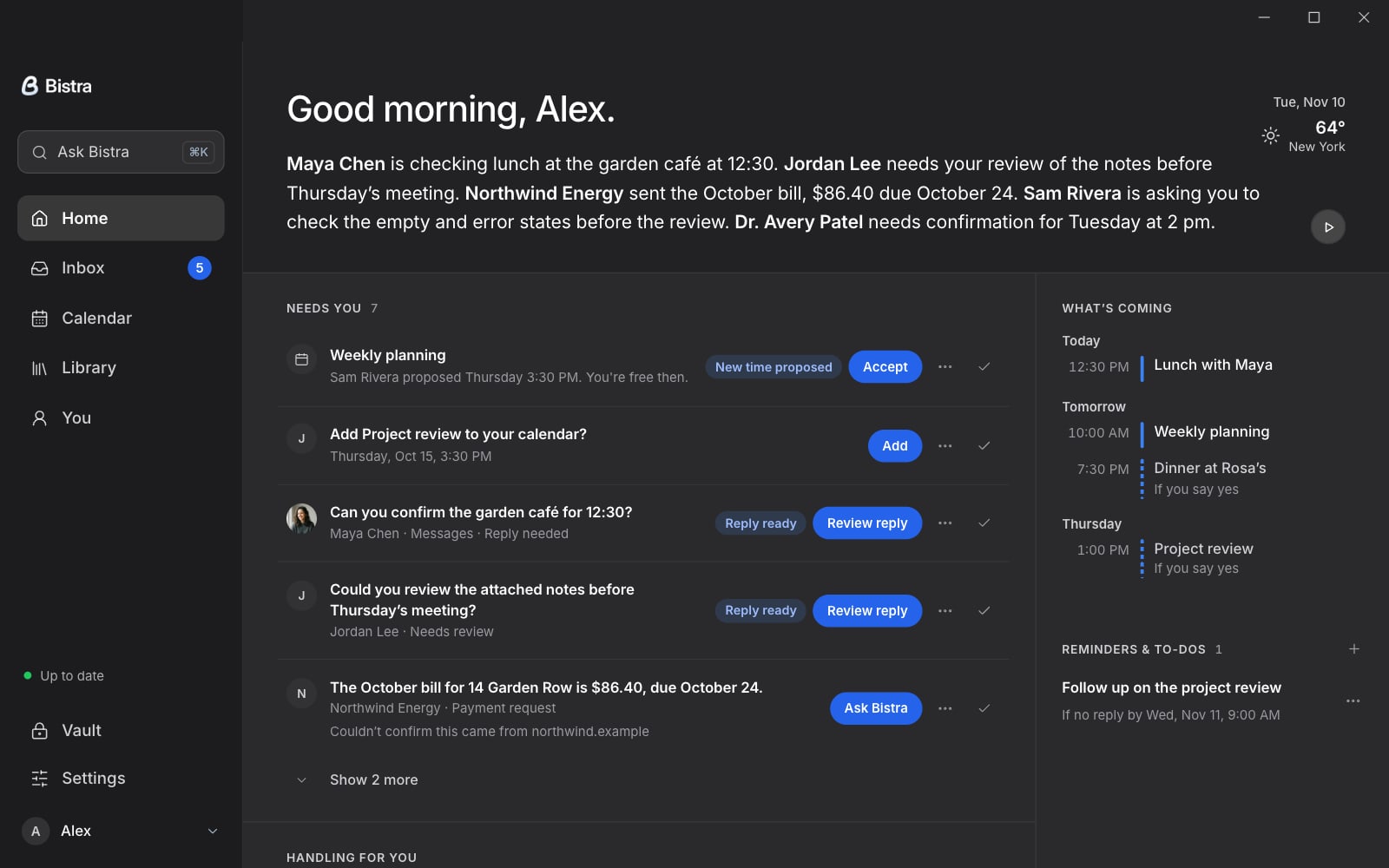
Bistra for Windows
Your messages, calendars and agents a click away, in Bistra’s own window. Always the newest version.
On your phone? Bistra for Windows installs on your computer. For this phone:
Opening it the first time.
You’ll see this once.
Windows asks before running an installer from a publisher it hasn’t seen before. Allow it once and you’re set.
- Open the installer. When Windows shows the warning above, choose More info, then Run anyway.
- Bistra installs itself and opens, with a shortcut on your desktop and in the Start menu.
- Sign in. Google and Microsoft open your browser and come straight back, signed in.