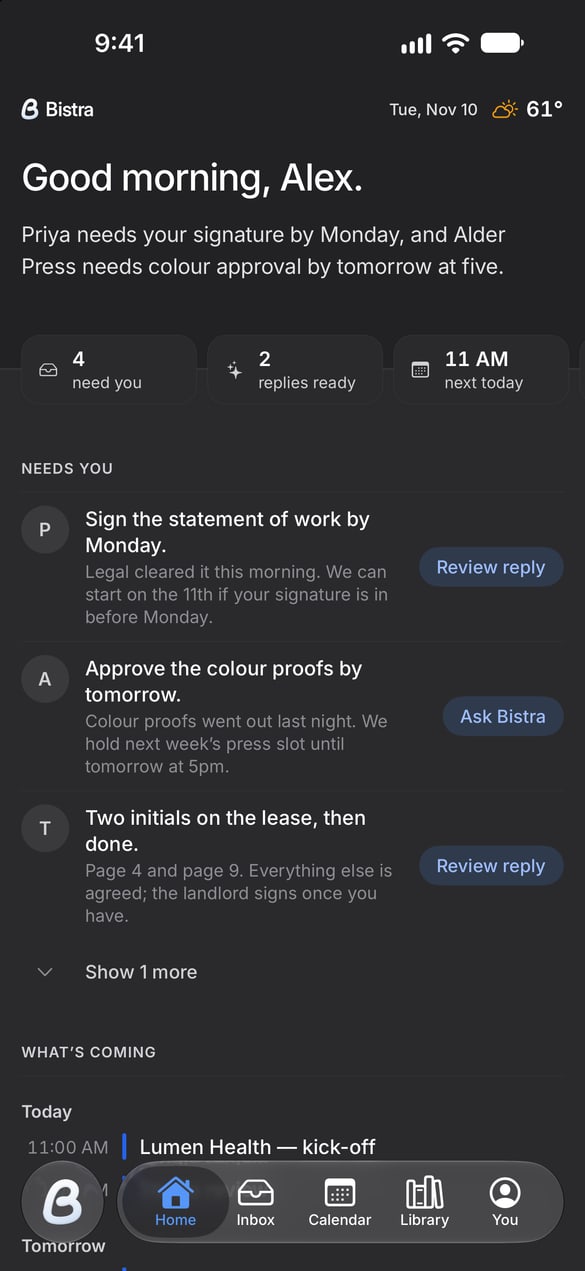
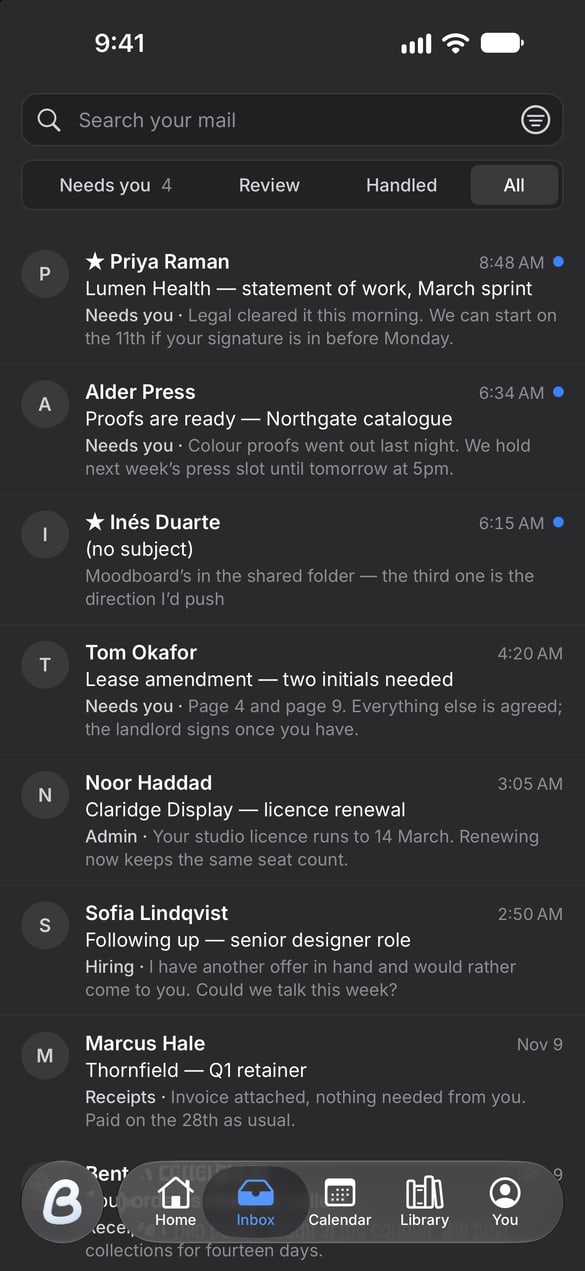
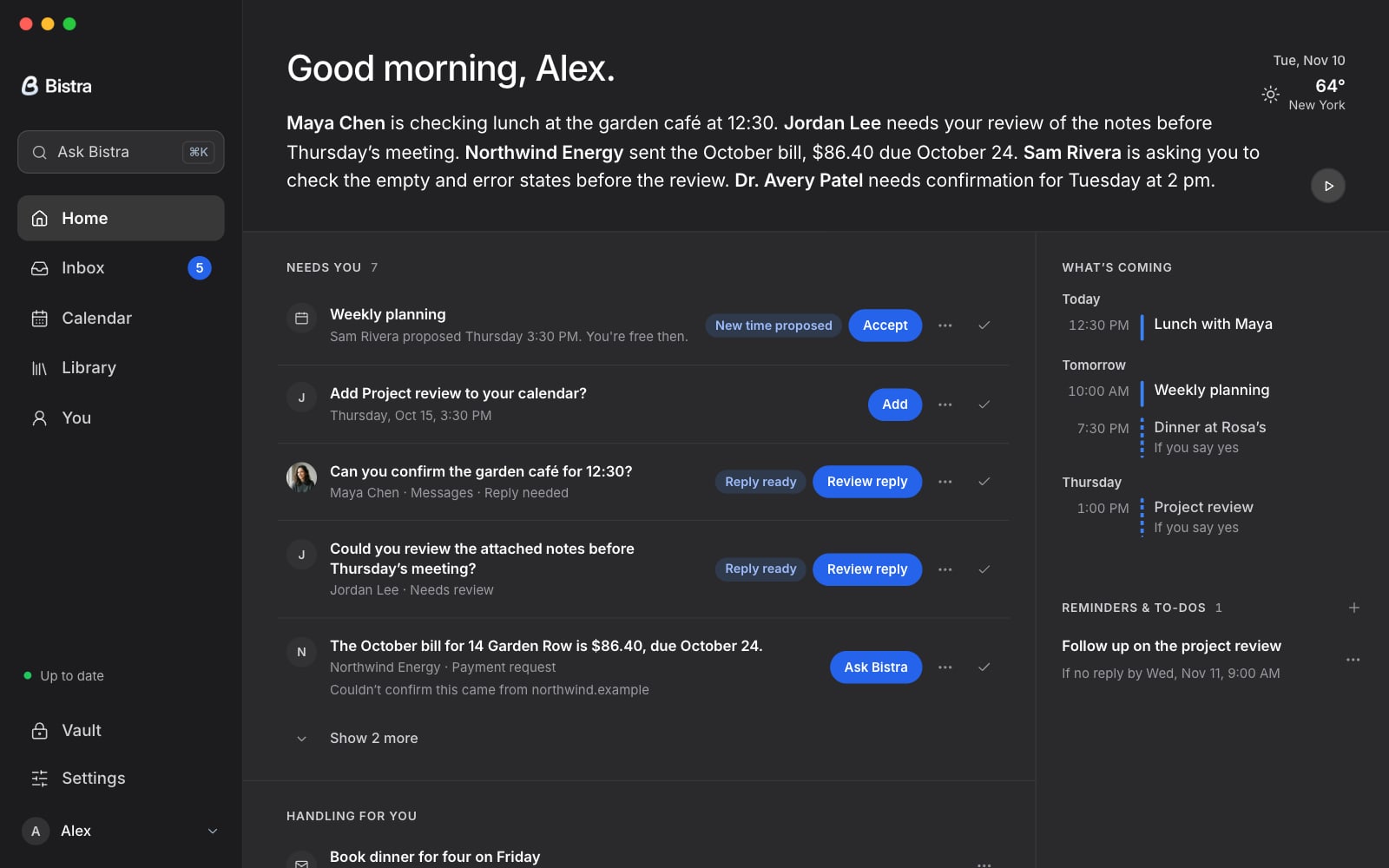
Bistra for Mac
Your messages, calendars and agents a click away, in Bistra’s own window. Always the newest version.
On your phone? Bistra for Mac installs on your computer. For this phone:
Opening it the first time.
You’ll see this once.
macOS asks before opening an app downloaded from outside the App Store. Allow it once and Bistra opens normally from then on.

- Open the download. Drag Bistra into Applications.
- Open Bistra. When macOS shows the warning above, choose Done. Then open System Settings, Privacy & Security, and click Open Anyway.
- Sign in. Google and Microsoft open your browser and come straight back, signed in.