Bistra for Android
Needs you, your inbox and your calendar in your pocket. It updates itself whenever Bistra changes.
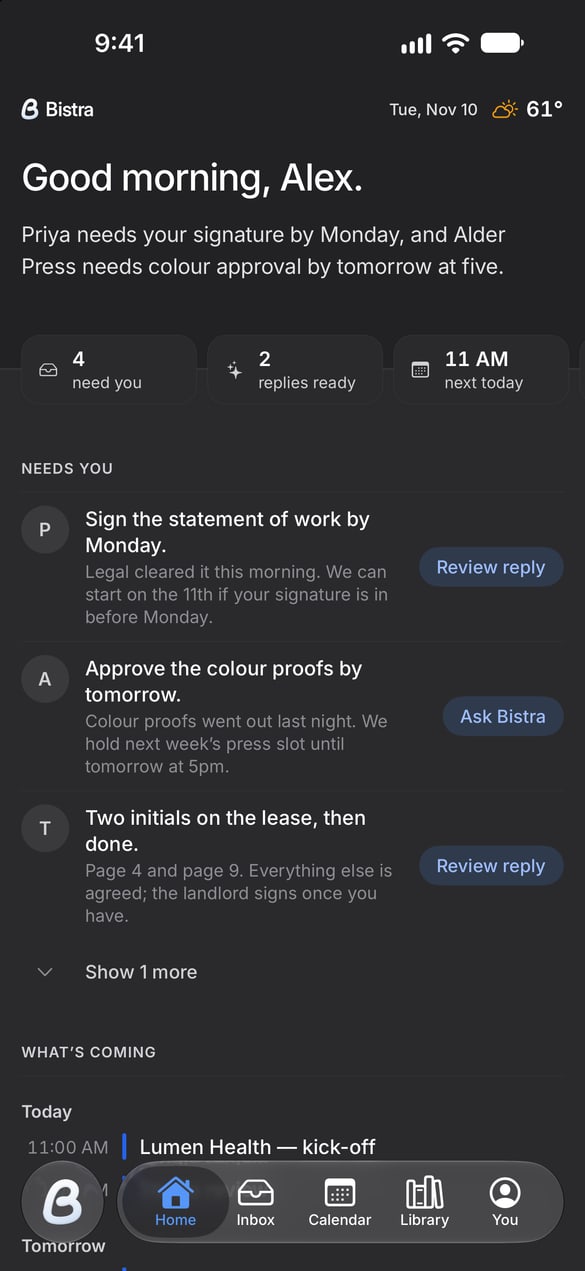
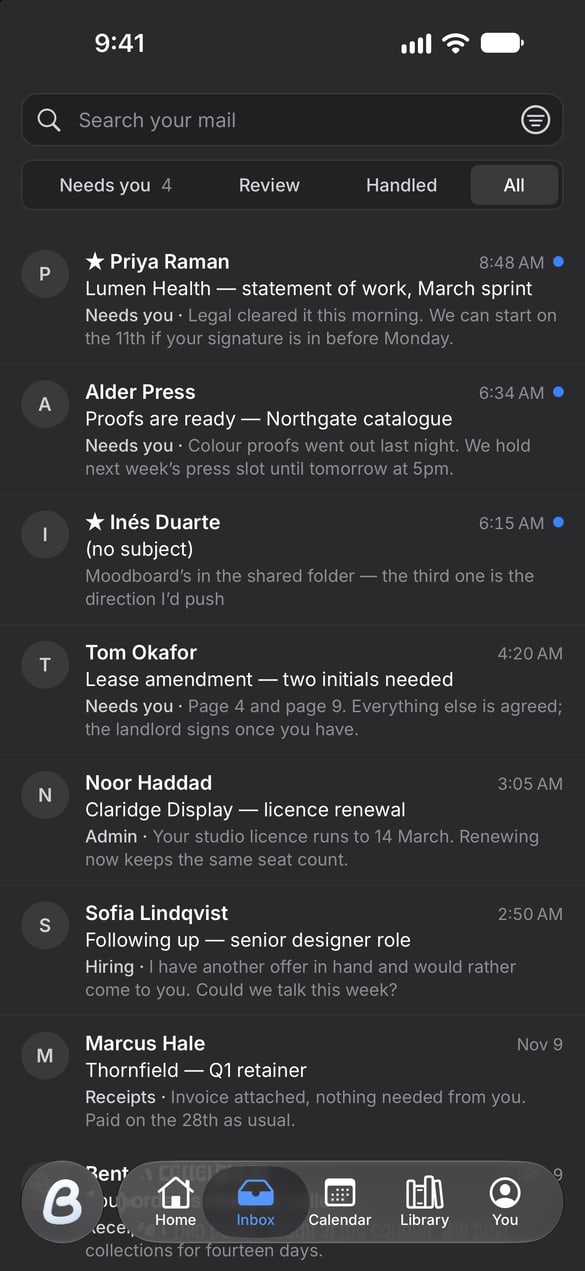
Opening it the first time.
You’ll see this once.
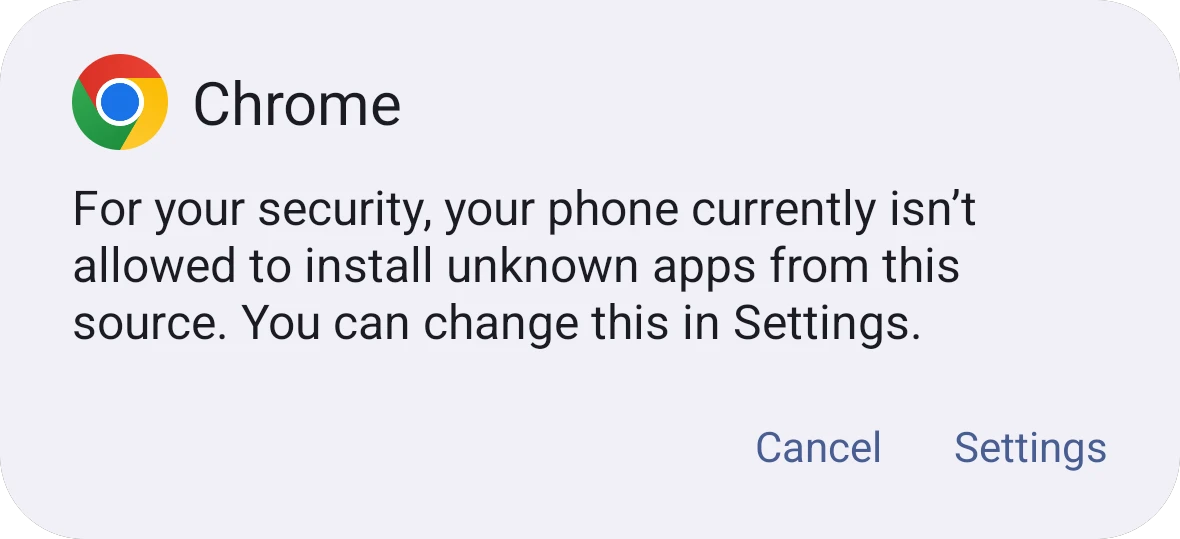
Android asks before your browser installs an app from outside Google Play. Bistra comes straight from bistra.ai, so your phone asks once.
- Tap Download. Open the file when it finishes.
- Allow the install. When your phone shows the message above, tap Settings, allow your browser, then go back and tap Install.
- Open Bistra and sign in. From then on it updates itself, with nothing to download again.